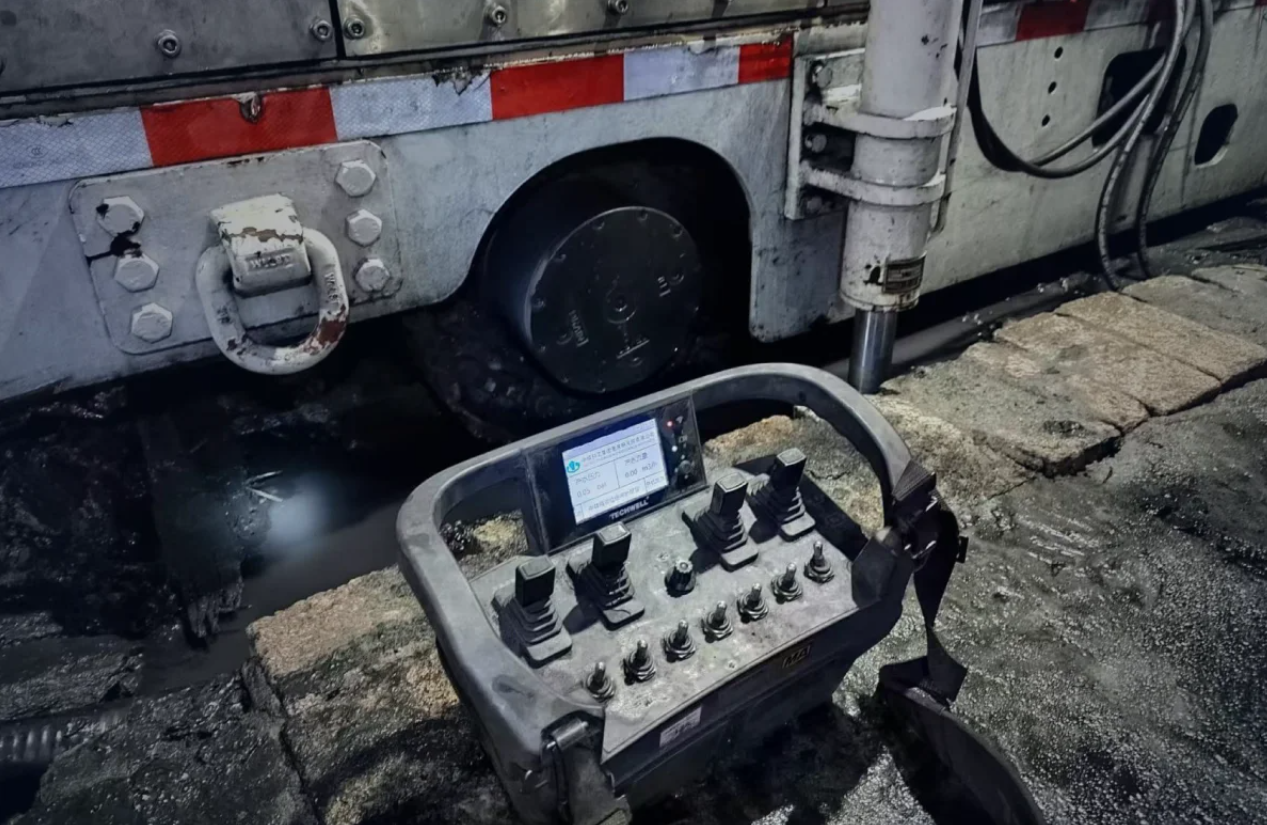
During load handling, operators need to monitor the hook, suspended load, landing point, and surrounding area while selecting the correct machine movement. A button-based crane remote can support this process when its controls are grouped by function and the selected mode is easy to identify.
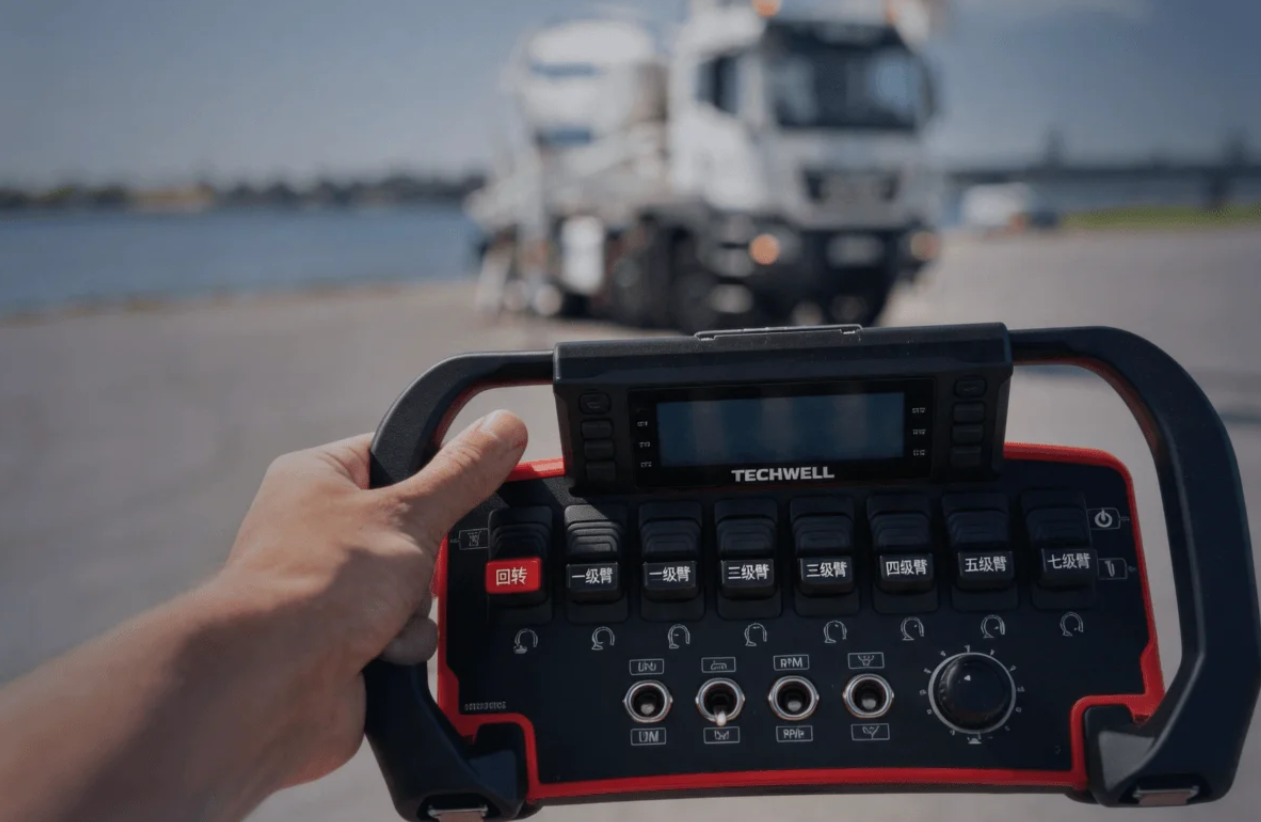
For crane manufacturers, the control layout should reflect the machine’s actual operating sequence. On equipment that uses support legs, the required deployment and confirmation steps should be defined before lifting functions are enabled. Button assignments, selector positions, and any configured status information should follow that sequence.
What Should Operators Monitor During Load Handling?
During load handling, operators need to keep their attention on the hook, load path, landing point, and surrounding area. A compact, lightweight transmitter with a clear button layout supports convenient one-handed operation. Once operators become familiar with the button positions, they can develop muscle memory and operate the controls without repeatedly looking down at the transmitter. If the model includes signal or status indicators, these can also help operators identify relevant operating conditions at a glance.
A reliable control interface should support logical operation habits. When functions are arranged according to machine workflows, operators can focus more on the lifting process instead of searching for controls.
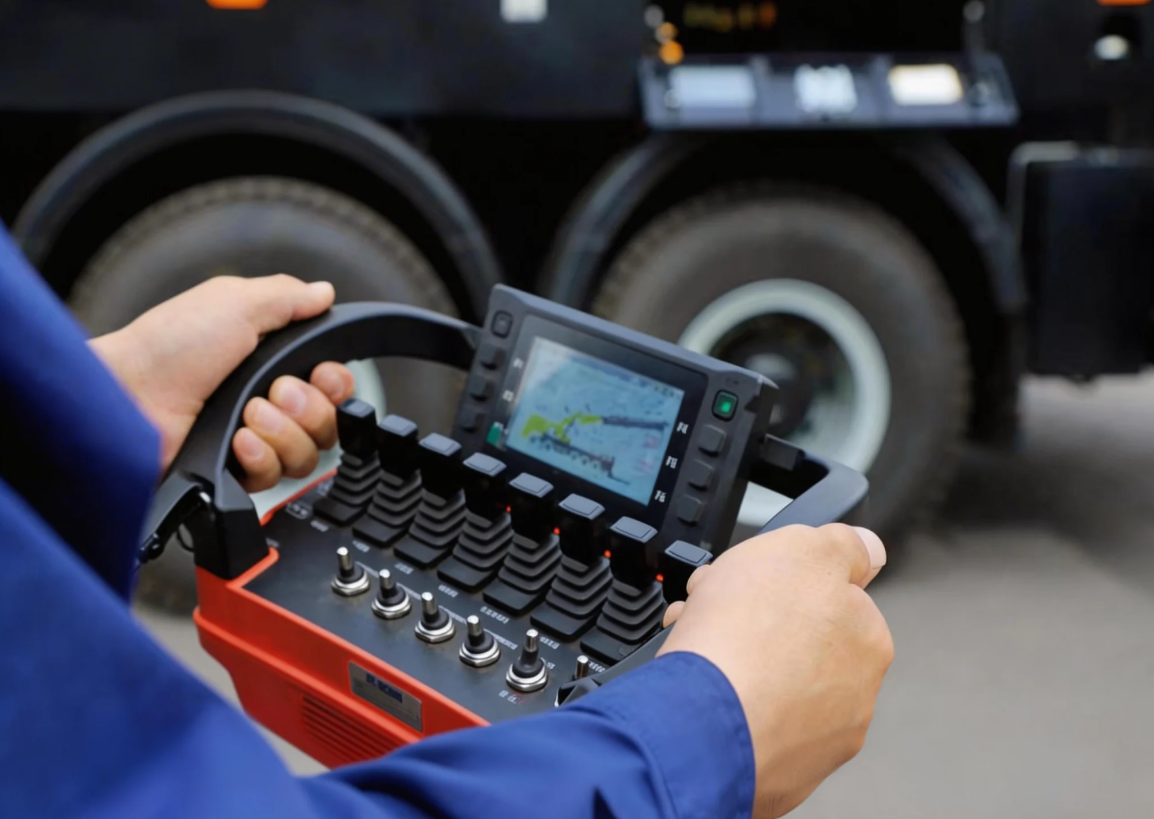
When a fixed control position limits the operator’s view of the hook or landing area, a handheld industrial transmitter allows the operator to relocate to an approved viewing point. Crane movement should stop during relocation, and the operator should confirm radio coverage before resuming the lift.
For OEMs and system integrators, selecting control equipment requires attention to communication stability, safety functions, and compatibility with the machine structure. These factors influence how well a solution fits specific crane applications.
How Can Button Layout Help Operators Stay Focused?
Crane work often takes place in construction sites, logistics areas, and industrial facilities. These environments may include limited visibility or changing working conditions, making operator awareness an important consideration.
A suitable remote control system allows operators to observe the load and equipment movement from a practical position. This can improve communication between machine actions and operator decisions during lifting tasks.
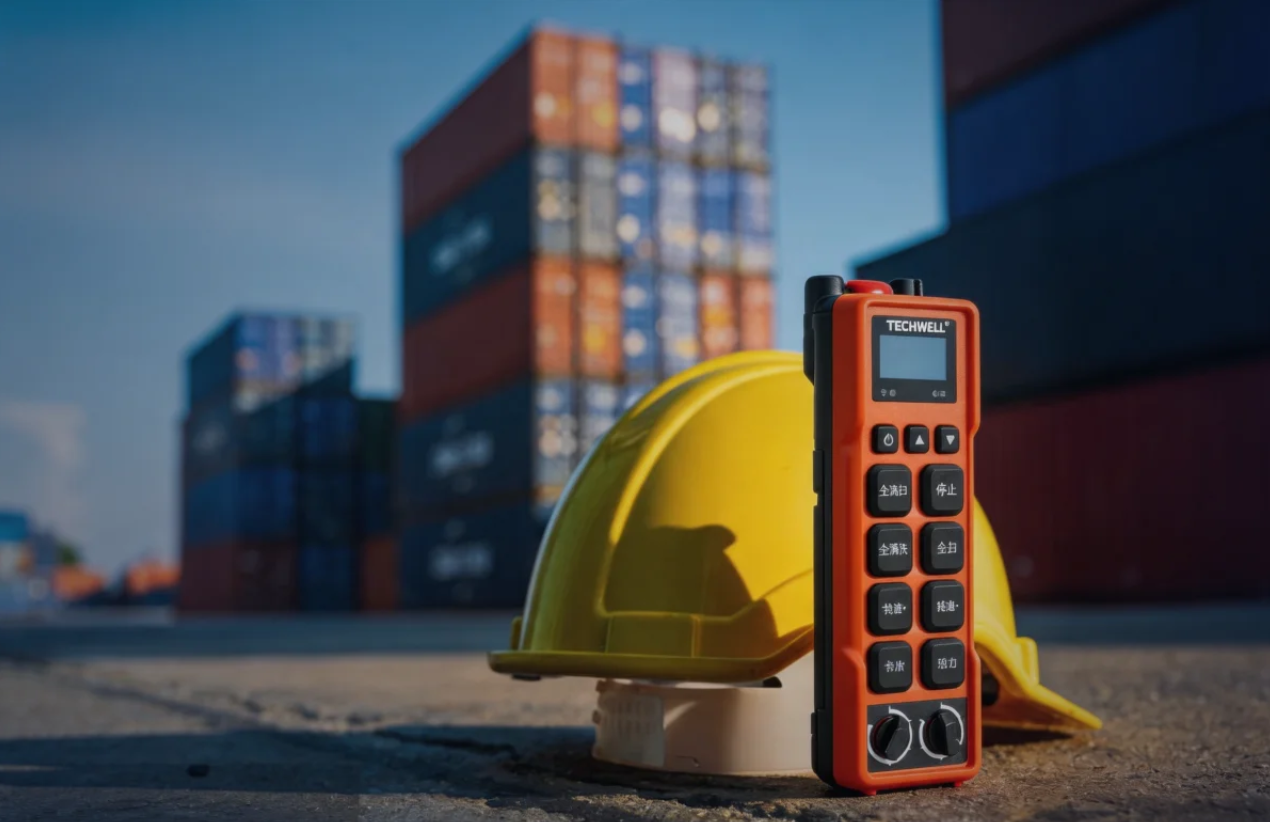
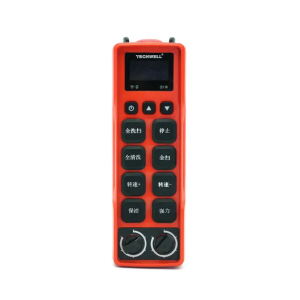
Control layout also affects ease of operation. A clearly grouped push-button layout helps operators identify the required controls by their positions. With regular use, operators can become familiar with the button arrangement and operate the BES08 without repeatedly looking down at the transmitter.
Beyond basic movement control, industrial remote solutions may include features that support equipment monitoring. Status displays, function selections, and emergency-related designs can help operators understand machine conditions during operation.
How Is the BES08 Control Layout Organized?
The BES08 from Techwell Remote Control features eight buttons and two rotary selector switches. Its control layout can be configured around the crane’s operating sequence, with separate button groups for support-leg operations and lifting or boom movements where applicable. The rotary switches have fixed positions for designated modes or settings. Operators should confirm the selected mode before issuing commands. Where supported by the crane control system, interlocks can restrict lifting until the required support-leg conditions are met.
An optional 2-inch dot-matrix display can show customer-specified information, such as oil temperature, oil pressure, or operating speed. The display range and accuracy should be confirmed during project review. Any status indications or warnings must reflect the information supported by the configured system.
The handset’s stated specifications include an IP66 enclosure, a weight of approximately 0.36 kg, a 6 V / 2,000 mAh battery pack, and a rated wireless range of 150 m under specified test conditions. Actual coverage may vary with obstacles and radio interference, so on-site testing is recommended.
What Should Be Checked Before the Control System Is Delivered?
Before delivery, the project review should produce a control-interface specification covering the function assigned to each button, the fixed positions of each rotary selector, the required operating sequence, and the receiver’s signal outputs. For truck-mounted cranes, the sequence should document the required support-leg conditions before lifting functions are enabled.
The review should also define the display items, measurement ranges, required accuracy, and any configured status indications. Interlock conditions must be checked against the crane’s electrical drawings and control logic. During commissioning, each configured command and interlock should be tested, and the results should be recorded before handover.
Techwell Remote Control supports OEM and ODM customization, competitive dealer pricing, and a one-month delivery cycle for regular orders. For customized projects, the required functions and configuration details should be confirmed during technical review. We also welcome qualified local partners interested in regional dealership cooperation.
How Should Support-Leg and Lifting Modes Be Sequenced?
Before integrating a wireless control solution, equipment manufacturers usually review the crane structure, operating environment, and expected control process. Different lifting applications may require different button arrangements, selector functions, or feedback methods.
The control layout of a wireless crane transmitter should match the operating modes of the crane. For overhead bridge cranes, the push buttons may control hoisting, lowering, trolley travel, and bridge travel. If stepped rotary selector switches are included, their fixed positions can be assigned to specific modes or settings. Each button and selector position should be checked against the crane’s actual control logic before operation.
These details are valuable during OEM projects because they connect product design with actual field conditions. Reviewing requirements early can help partners develop more practical control solutions and reduce adjustments during later production stages.
Building Better Control Experiences for Industrial Equipment
Crane load handling depends on both machine performance and operator interaction. Remote control systems should support clear operation logic, practical functions, and reliable communication in industrial environments.
As demand for flexible equipment control grows, industrial transmitter solutions continue to support new approaches in crane design. We provide customization options that help partners connect control technology with specific application needs.
The relationship between operators and equipment remains an important part of crane development. With suitable control systems, manufacturers can create equipment that responds better to real working processes and project requirements. This approach also helps industrial partners develop reliable solutions for changing application needs.
What Information Is Needed to Configure a Crane Remote Control?
A suitable crane remote control system should match the crane’s movements, control logic, and operating requirements. A clearly defined button layout and verified control functions can help operators manage lifting, trolley travel, and bridge travel more consistently.
For product details, visit the BES08 transmitter page. To request a control system configuration review, please complete our crane control requirements form with your crane type, required control actions, and receiver signal output method. Equipment models, photos, and electrical drawings can also help our team assess the receiver interface and communication requirements. Contact Techwell Remote Control to discuss your project and request a quote.